Software to prevent RSIs


Para Technologies
3273 Indiana Avenue
Costa Mesa, CA 92626

Phone: 714-546-8619
Fax: 714-546-4607
stretch@paratec.com


Stretch Break Control


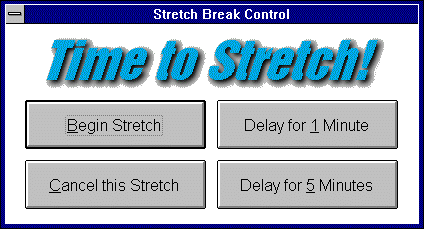
After 30 minutes or the specified period of time you have selected, the Stretch Break Control screen will appear to ask your consent to stretch.

Stretch Break is simple! Merely click on "Begin Stretch" and start stretching along with the animated figure.

Stretch Break is flexible! You may also select "Delay for 1 minute", "Delay for 5 minutes", or "Cancel this Stretch". If you choose the latter, this Stretch Break Control screen will return in the specified period of time to again invite you to stretch.


Main Screen


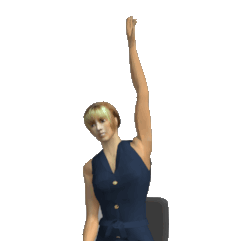
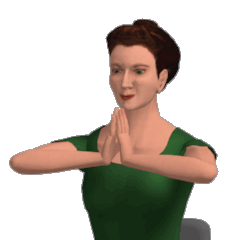
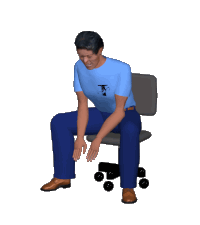
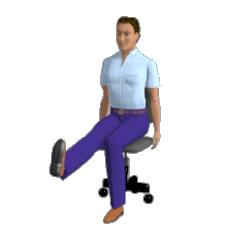
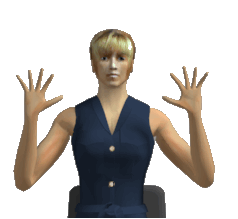
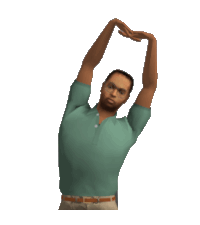
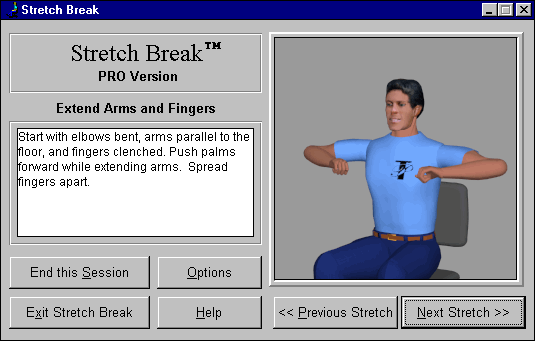
When you select "Begin Stretch", the Main Screen appears showing an animated figure demonstrating the next stretch in the sequence. The stretches are described in the box at the left.


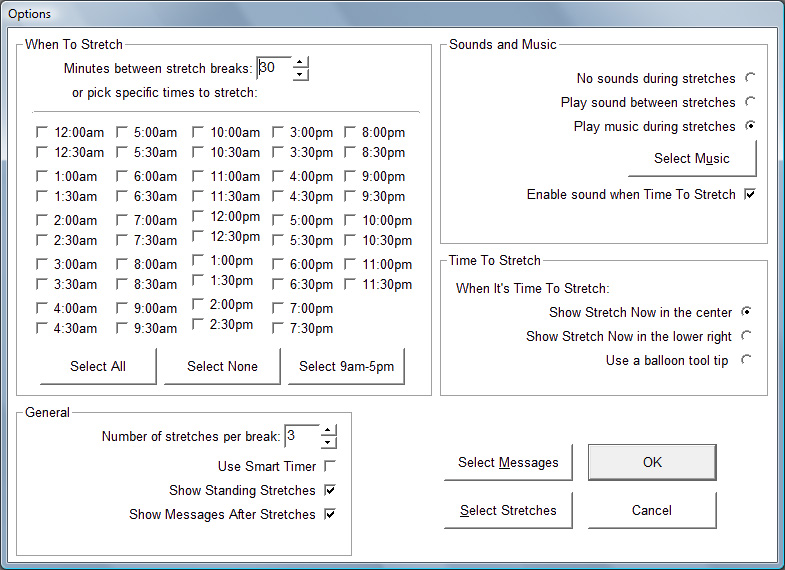
Options


The options dialog box allows you to select which stretches will appear on the screen, specify when the next Stretch Break will begin, and set the number of stretches that will be displayed each session. It also allows users to set the other options.


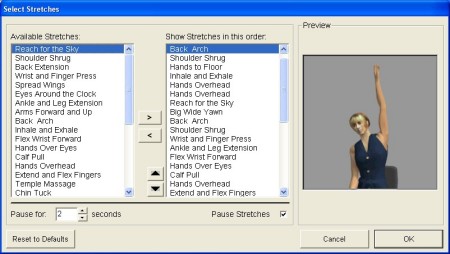
Select Stretches


Under Options, Select Stretches, allows you complete control over the sequence of stretches. Each stretch is titled and a thumbnail is displayed in the box at the left.


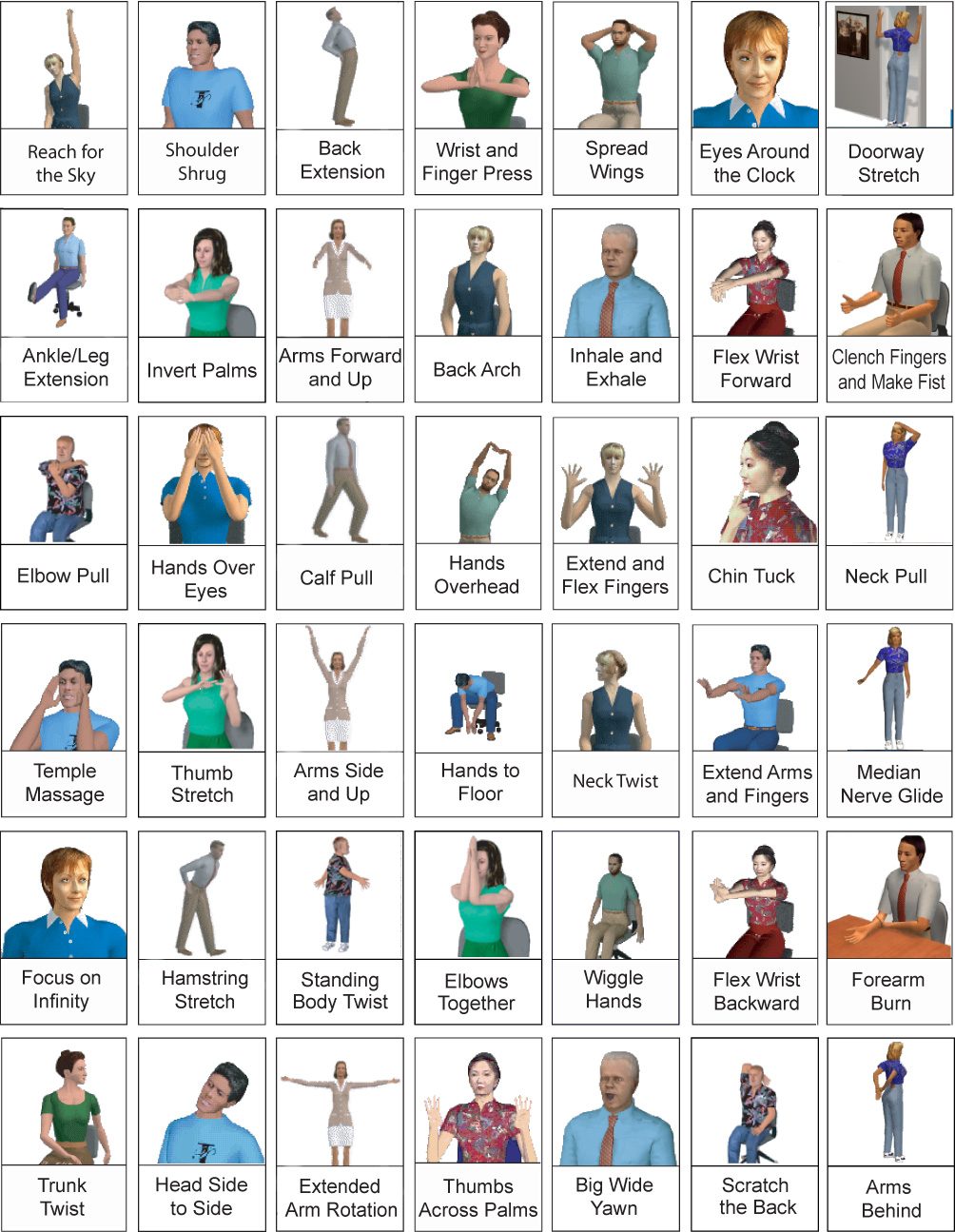
All Stretches
Current version (6.6) contains 42 stretches


Stretch Break Home ~ Business Users ~ Ergonomics Professionals
Health Care Professionals ~ Home users ~ Research Notes
Reviews and Press Releases ~ Screen Shots
Distributors Wanted
~ From Users ~ Kids Version-Free


©2013 by Para Technologies.
All rights reserved.
wow gold